
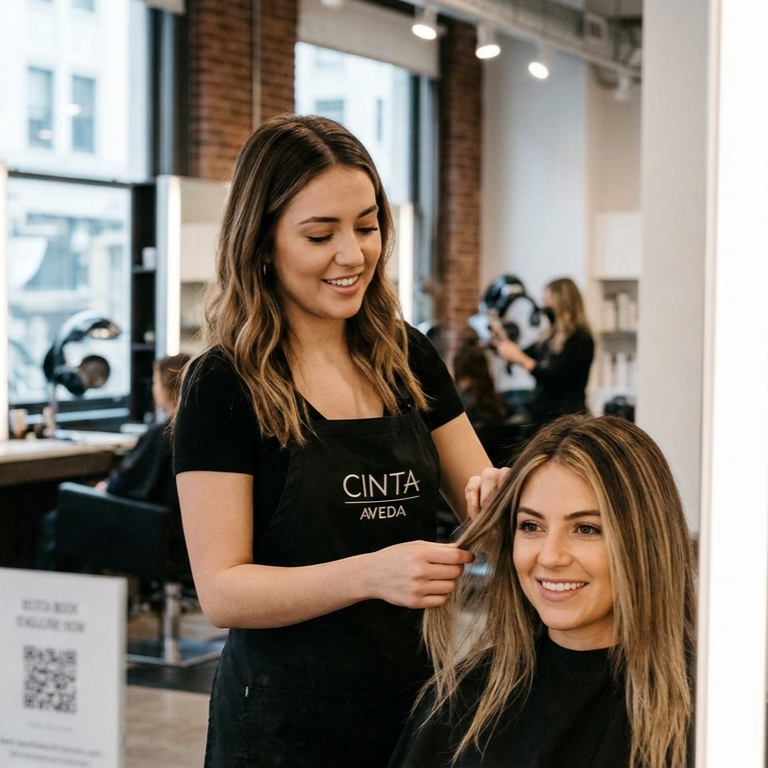
A client sees your haircut Reel, watches a YouTube Short answering a styling question, then saves a post with the finished look. They are interested. Can they find the right service and an open appointment without sending three messages? That is the job of a booking website for stylists. Instagram and video platforms help people discover your work; the booking page helps them act on it.
Instagram, a booking page, or a full website?
Instagram alone works as a portfolio and conversation starter. Direct messages can handle unusual requests, but every price, availability, and policy question becomes a manual reply. A client who wants to book now may leave while waiting.
A hosted booking page is often the fastest useful next step. It can list services, show availability, explain policies, and send a confirmation. You can use one link across your business profiles without building a full site first.
A full website earns its place when you need more space for service explanations, a portfolio, frequently asked questions, location details, and search traffic. It still needs a booking button that leads to a working appointment flow. Choose the setup you can keep current.
What a stylist booking page must answer
- Which service should I choose? Use client-friendly names. Explain who each service is for and when a consultation is needed. If your Reel says “curly cut,” make that service easy to find on the page.
- What will it cost and how long will it take? Show a price or clear starting price, expected duration, and any add-ons that change either one. Avoid surprises at checkout.
- Where and when can I come in? Display the correct location, current availability, and enough time between appointments for the service and cleanup.
- What happens next? Make deposits, cancellation windows, rescheduling, late arrivals, and confirmation steps clear before the client commits.
- Can I trust this page? Include your name or business name, a few relevant examples of your work used with permission, and a way to ask a question if the service is not obvious.
For example, a Reel may call the service a “curly cut.” The booking page should use that same name beside the real starting price, appointment length, what is included, and a button that says “Book a Curly Cut.” If new clients need a consultation first, make that the next step instead. A simple page that answers these questions is more useful than a polished site with an outdated service menu or a broken calendar.
Connect Reels, Shorts, and posts to the right service
Match the content to the booking choice. A Reel showing a lived-in color should name that service and point to its booking option. A Short answering “How often should I refresh this color?” can send people to a service page with the upkeep and consultation details. A post about a curly cut can link interested readers to the same name in your menu. Keep one easy-to-find booking destination on your business profiles, and check how each platform lets people reach it.
Do not send every viewer to a generic homepage if they still have to hunt for the service. If a consultation is required, say so in the content and offer that as the next booking step.
Run the booking test on a phone
- Open the profile or post as a new visitor and locate the booking link.
- Find the exact service mentioned in the Reel, Short, or post.
- Check the price, duration, availability, and policies without having to ask by DM.
- Walk through the booking steps up to confirmation. Check the confirmation message and cancellation instructions using a test appointment only if your system permits one without charging a client.
- Fix the first place you hesitated. That may be a confusing service name, a missing price, or an extra screen.
Keep the experience consistent when a team helps
When an assistant or front-desk teammate manages the calendar, document how to update hours, reschedule, handle cancellations, and answer common service questions. Trails can turn a recorded workflow into a guide they can follow. Use example data when recording; keep client details and login credentials out of shared guides.
Measure booked appointments, then improve the path
Track more than profile views. Count booking-page visits, started bookings, confirmed appointments, and the questions people still ask before booking. If many visitors stop at the service list, make names and pricing clearer. If they leave at checkout, review the form and policies. Small fixes in that path may matter more than another post.
Need ideas for the content that brings people to this page? Read our guide to AI social media tools for beauty professionals. If you are considering a career in beauty, explore Cinta Aveda Institute’s San Francisco programs and ask which current classes cover client communication and business skills.